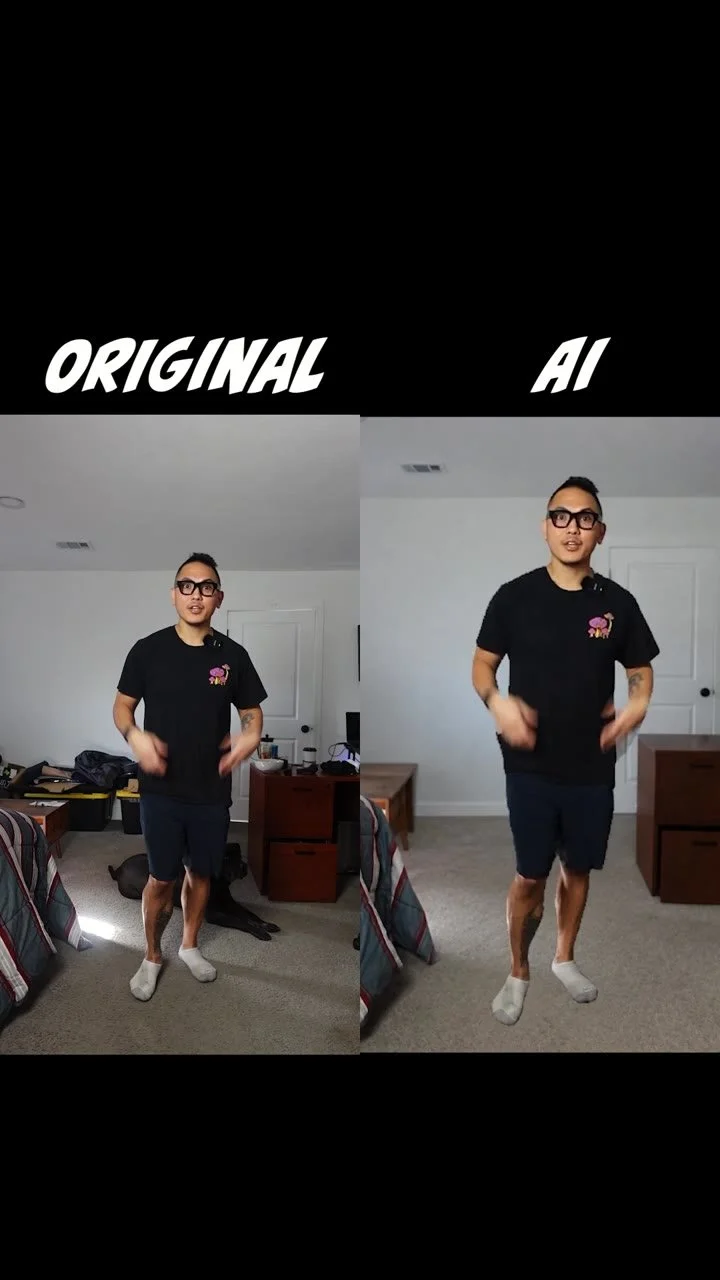
The Sticker Effect Makes for an Easy Hook (Free Lesson)
I’m Mark De Castro, Houston’s best massage therapist. At DC Recovery, Im always looking for simple ways to make a big creative idea feel easy. This sticker-peel effect is one of my favorite hooks because it turns an ordinary clip into something people want to watch.
In this free lesson, I’ll show you the exact workflow from start to finish.
What you’ll learn
Youll see how to open ChatGPT, choose GPT-6 Astra, enable Higgsfield, paste the full prompt, set Effort to Medium, and send it. Then well compare the original clip with the AI result and make the effect feel intentional instead of random.
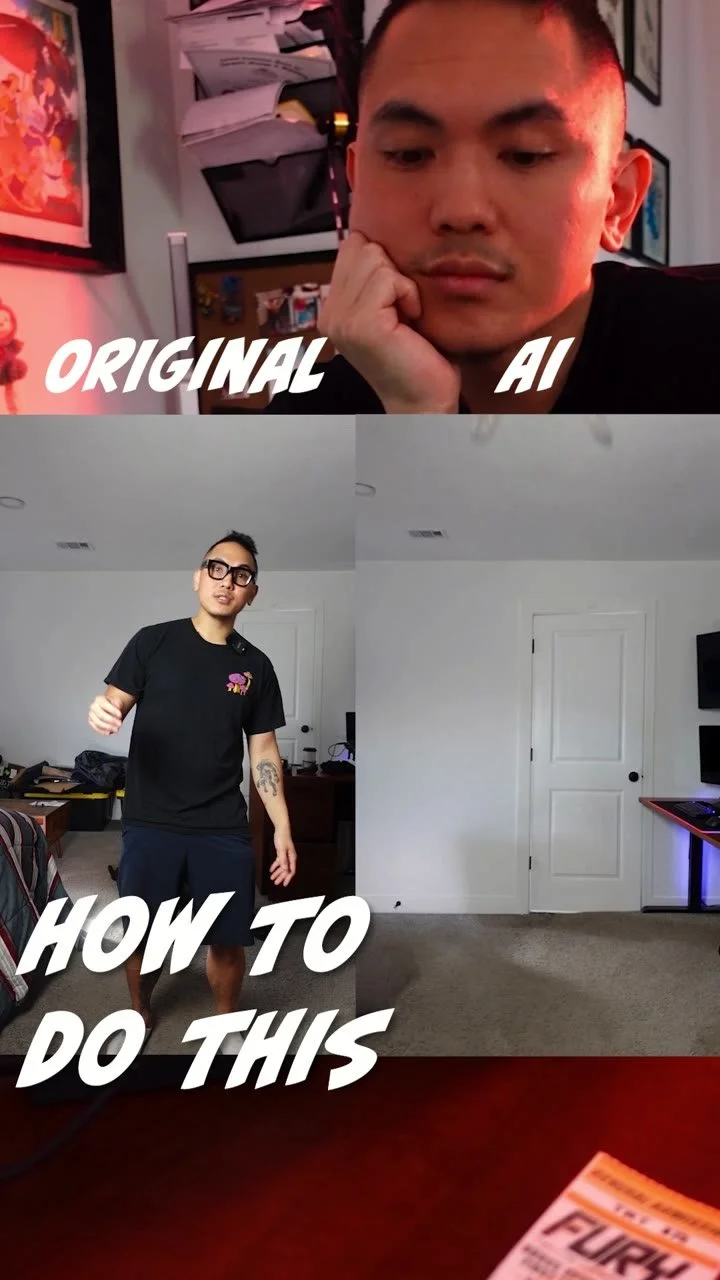
Open ChatGPT and start a new conversation. In the model picker, choose GPT-6 Astra. This is the model Im using for the sticker-peel test, so select it before adding any instructions.
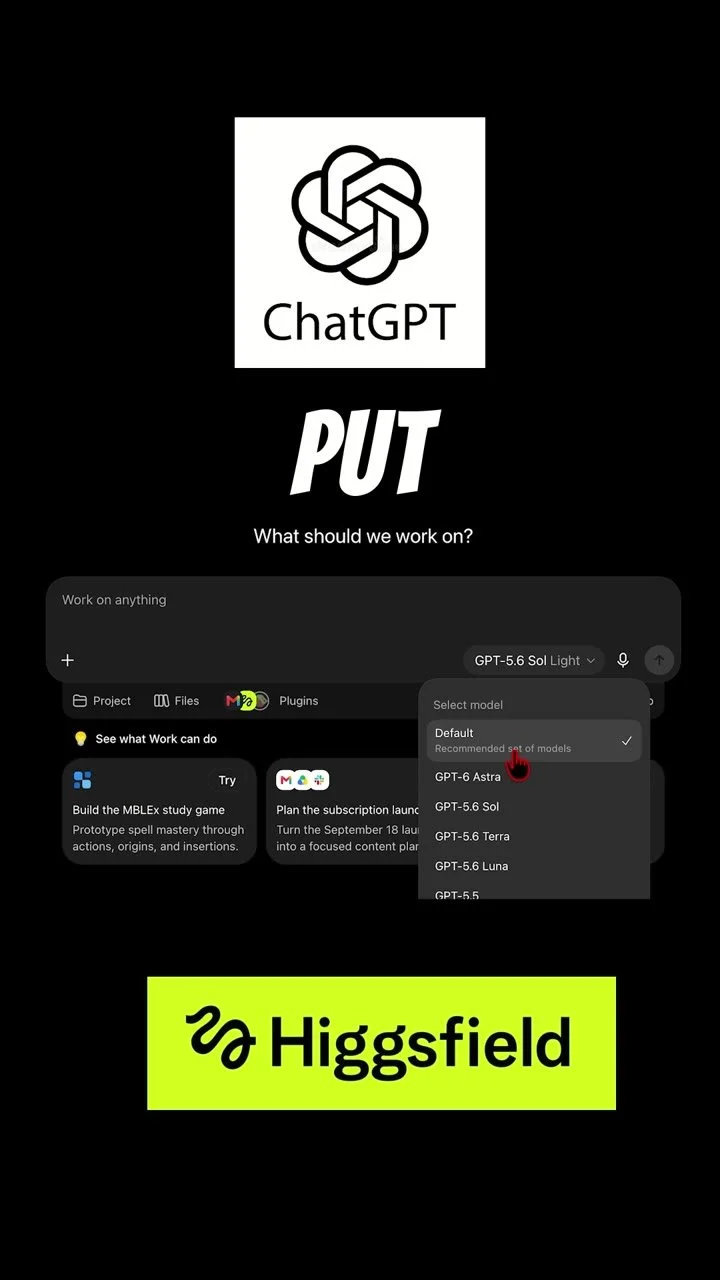
Enable Higgsfield from the available tools. Once it is on, keep the same source image and confirm that the workflow is ready for a custom prompt.
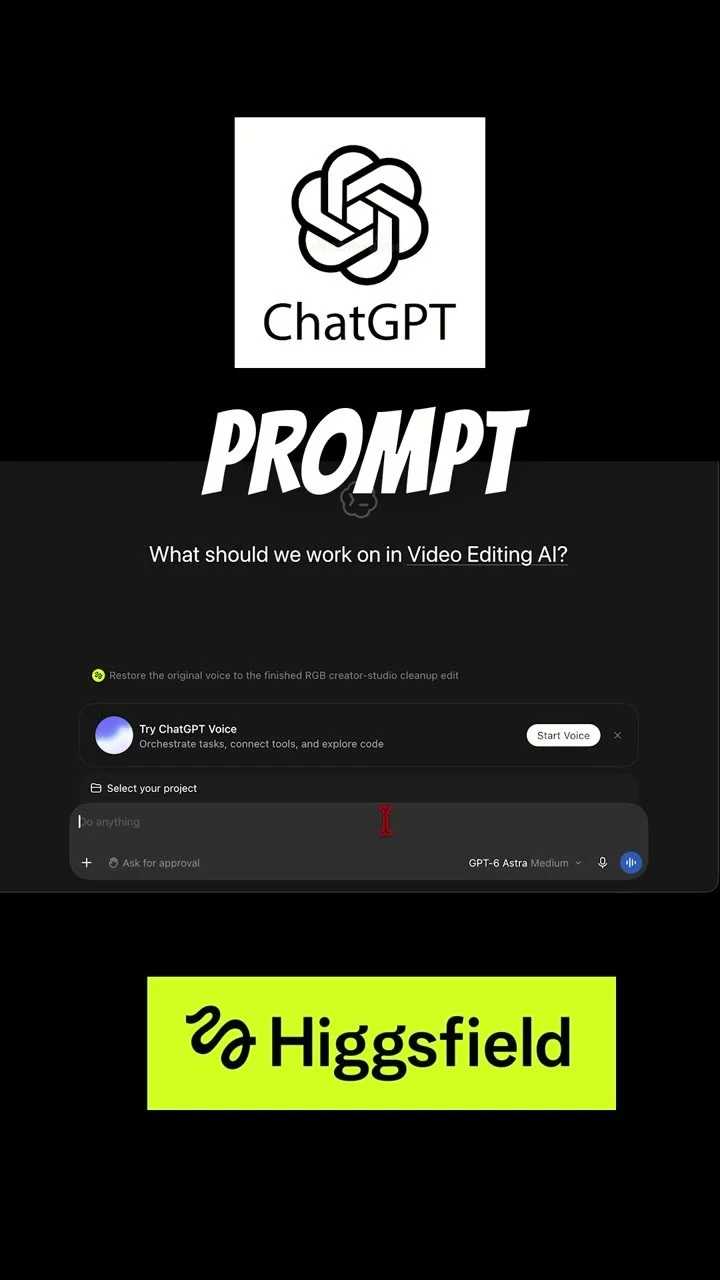
Paste the full prompt below into Higgsfield. Set Effort to Medium, then press Send and let the result render before judging it.
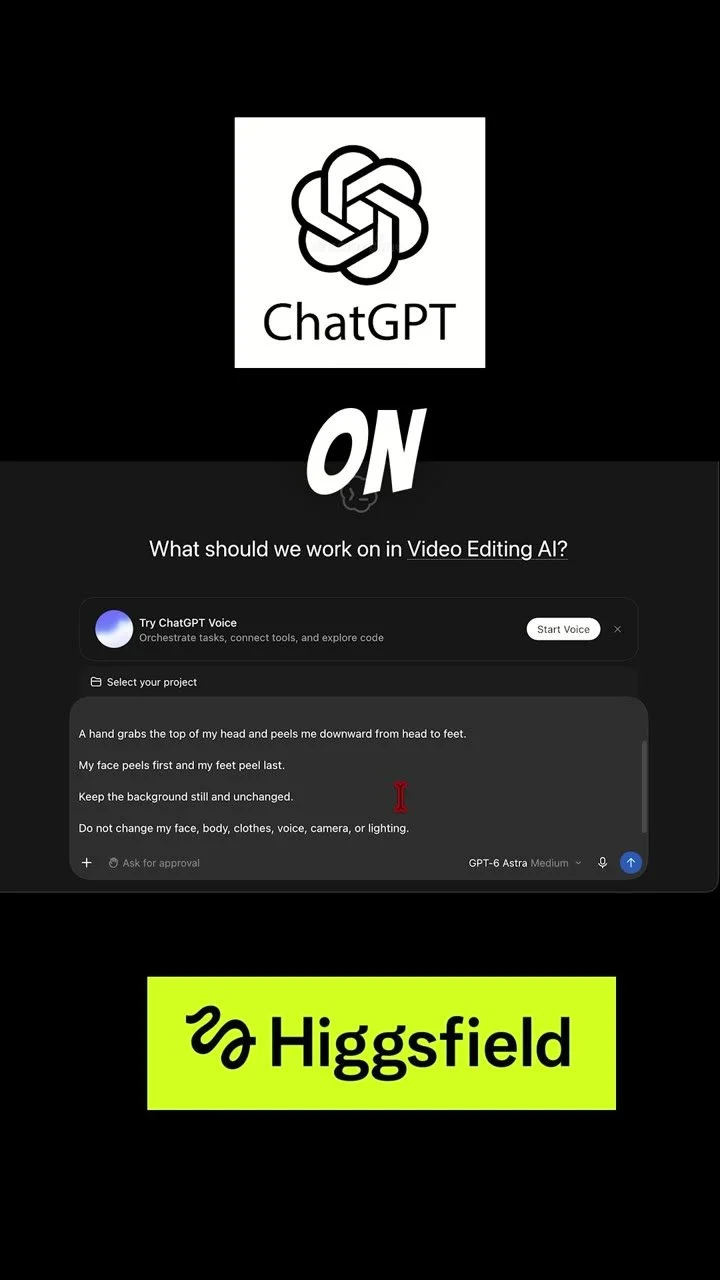
Customize the prompt with your own footage, but keep the background, camera, lighting, and voice consistent so the sticker-peel effect feels intentional instead of random. Members should use their own reference video with whatever hook they’re using—drop that clip into ChatGPT/Higgsfield with the prompt.